GraphicsNVIDIA® GeForce® 8800 GT (512 MB) or ATI™ Radeon™ HD 4850 DirectX®:9.0c
Memory2 GB RAM
Disk space15 GB HD space
SystemWindows
Description
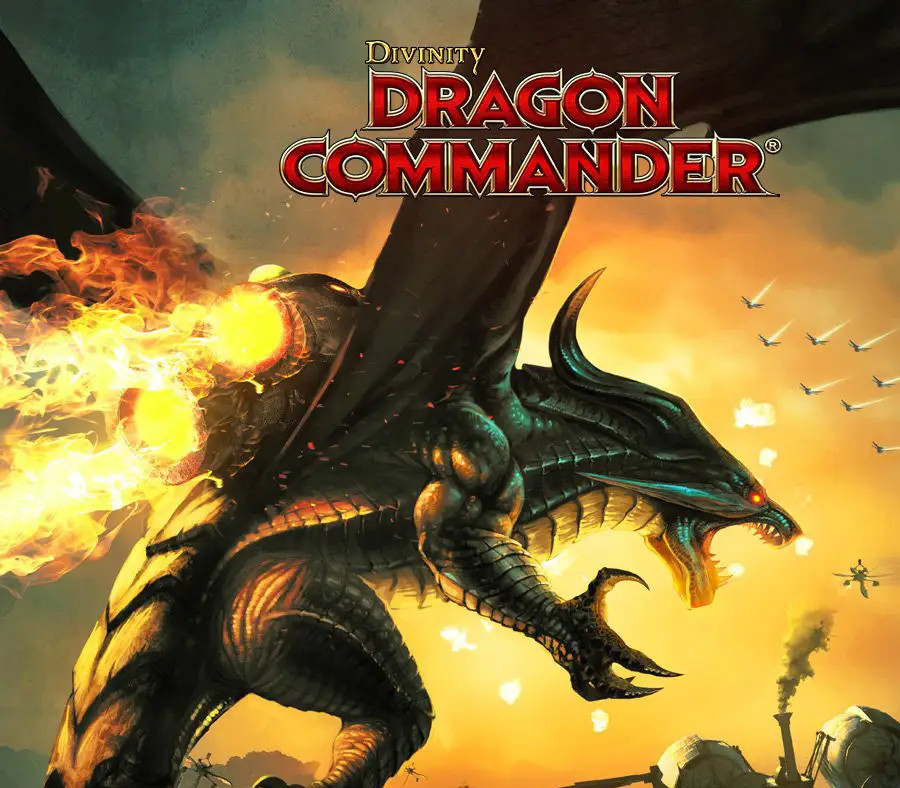
You are the Dragon Commander. Your mission it is to reunite a broken empire and become the new emperor. Success depends entirely on your ability to efficiently rule your empire, build invincible armies and lead them to victory. Your secret weapons: your tactical insights, your leadership skills and your ability to turn yourself into a dragon. Dragon Commander is not just any strategy game – it seamlessly blends real-time strategy gameplay with turn-based campaigning, role-playing an ascending emperor and controlling a formidable dragon. Key Features Real time strategy: Command your sea, land and air forces in real-time. Combined operations and knowing where and when to hit are crucial elements of any victory. Dragon Combat: During real time strategy mode, you can turn into a dragon to support your troops in combat and obliterate the enemy using your formidable dragon powers. Turn based campaign: Direct your conquest on the turn-based world map; plan several moves ahead, build formidable armies and invest in the right technology or magic upgrades. Rule your empire: You are the emperor and you make the decisions! But beware, political balance is easily upset. Each game is different and you’ll find that a Dragon Commander needs to make really tough decisions. Feel the effects of your decisions on the battlefield as the war progresses. Single-player, multiplayer and co-op modes: Play the single player story-driven campaign or test your mettle against other Dragon Knights, online or local via LAN. Start your own multiplayer campaign with or against a friend. Or duke it out on a skirmish map.
Activation Details:
Go to: http://store.steampowered.com/ and download STEAM client Click “Install Steam” (from the upper right corner) Install and start application, login with your Account name and Password (create one if you don’t have). Please follow these instructions to activate a new retail purchase on Steam: Launch Steam and log into your Steam account. Click the Games Menu. Choose Activate a Product on Steam… Follow the onscreen instructions to complete the process. After successful code verification go to the “MY GAMES” tab and start downloading.
Create an account
See order history, get a game library and check out faster