EUR, €
  • USD, $
FOX v.2.4.2.3

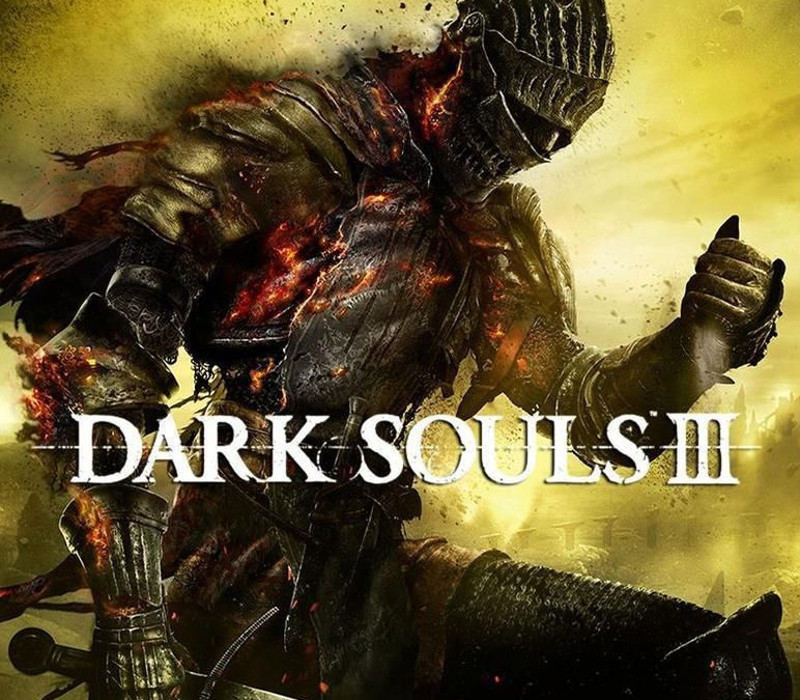
Dark Souls III PC Steam CD Key

 24.79

Basic info

Developers FromSoftware
Publishers BANDAI NAMCO Entertainment
Platform Steam
Country Limitation AQ, BV, DD, DE, GS, HM, JP, TF
Languages Chinese, English, French, German, Italian, Japanese, Korean, Polish, Portuguese - Brazil, Russian, Spanish
Region Rest of the world (RoW) - custom

System requirements

Processor Intel Core i3-2100 / AMD® FX-6300
Graphics NVIDIA® GeForce GTX 750 Ti / ATI Radeon HD 7950
Memory 4 GB RAM
Disk space 25 GB available space Sound Card: DirectX 11 sound device Additional Notes: Internet connection required for online play and product activation
System Windows

Description

A dark and brooding fantasy adventure awaits players in a vast twisted world full of fearsome beasts, devious traps and hidden secrets. Players will travel across a wide variety of locations in an interconnected world of unrelenting challenge and deep RPG gameplay as they search for a way to survive the coming apocalypse. As fires fade and the world falls into ruin, developer FROMSOFTWARE and director Hidetaka Miyazaki continue their critically-acclaimed and genre-defining series with Dark Souls III. Fans and newcomers alike will get lost in the games hallmark rewarding gameplay and immersive graphics. Now only embers remain… Features Atmospheric Visuals: dynamic lighting and particle effects immerse players into a dark fantasy world of ruin. Interconnected World: expertly crafted world encourages players to explore vast and breathtaking landscapes. Sword Action: diversifies combat action allowing players to craft their own unique play style. Unique Online System: evolution of trademark online multiplayer functionality that seamlessly integrates online interactions into single player story.

Activation Details:

Go to: http://store.steampowered.com/ and download STEAM client Click “Install Steam” (from the upper right corner) Install and start application, login with your Account name and Password (create one if you don’t have). Please follow these instructions to activate a new retail purchase on Steam: Launch Steam and log into your Steam account. Click the Games Menu. Choose Activate a Product on Steam… Follow the onscreen instructions to complete the process. After successful code verification go to the “MY GAMES” tab and start downloading.

Create an account

See order history, get a game library and check out faster

Already have an account? Sign in

Welcome

Don’t have an account? Register