ProcessorIntel Core i3-3225 @ 3.30GHz or equivalent
GraphicsNVIDIA GeForce GTX 760 with 2 GB VRAM or more; AMD Radeon HD 7950 with 2 GB VRAM or more
Memory4 GB RAM
Disk space20 GB available space Sound Card: DirectX compatible
SystemWindows
Description
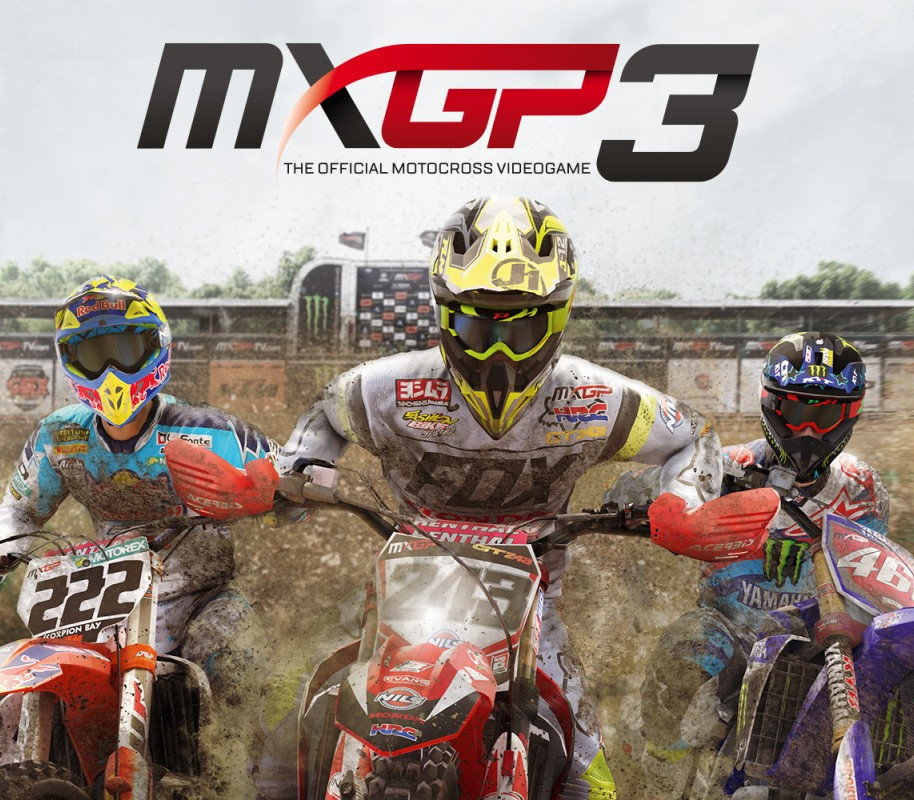
Experience all the adrenaline of Motocross with the official Championship’s only videogame! MXGP3: The Official Motocross Videogame offers the most involving game experience ever, with completely new gameplay and graphics thanks to Unreal Engine 4. Race on 18 official tracks and in the MXoN with all riders and bikes from the 2016 MXGP and MX2 seasons and be the first to experience the thrill of riding one of the 10 2-strokes available! Render your rider and your bike unique, with more than 300 official components for a complete customisation! Features Full immersive experience – Completely rebuilt from scratch and based on Unreal Engine 4 for ultrarealistic graphics and scenarios, astonishing details and incredible visual effects. Only official content – Official license, tracks, rosters from 2016 FIM Motocross World Championship. Try almost infinite variations to fully customize your bike and rider using more than 300 real items. More fun with 2 Strokes – Enjoy for the first time the brand new addition of 2 Stroke bike riding. Choose between 10 different bikes with massively realistic dedicated sounds and reactions.
Activation Details:
Go to: http://store.steampowered.com/ and download STEAM client Click “Install Steam” (from the upper right corner) Install and start application, login with your Account name and Password (create one if you don’t have). Please follow these instructions to activate a new retail purchase on Steam: Launch Steam and log into your Steam account. Click the Games Menu. Choose Activate a Product on Steam… Follow the onscreen instructions to complete the process. After successful code verification go to the “MY GAMES” tab and start downloading.
Create an account
See order history, get a game library and check out faster