Windows: OS: Windows 7 / Vista / XP Processor: 2.0 GHz Core Duo or equivalent Memory: 2 GB RAM Hard Disk Space: 4 GB Video Card: 256 MB of dedicated memory with support for pixel shader 3.0. NVIDIA 7800 or equivalent Sound Card: DirectX9 compatible Controller Support: 3-button mouse, keyboard and speakers
Description
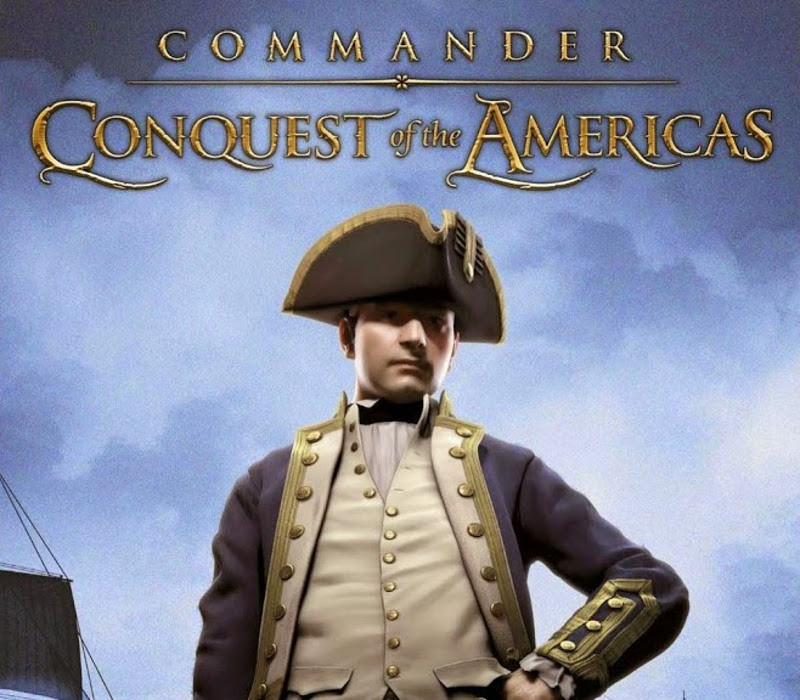
Combining elements from both trading and strategy games, Commander: Conquest of the Americas will appeal to a wide range of players. Players take charge of one of the many European powers aiming to conquer the New World. Starting from 16th century, players can choose from many different nations, each with their own unique strengths and weaknesses. Founding new colonies and then making them thrive is key to success. In order to accomplish this, players need to manage and optimize resources and production in their colonies, before transporting the goods to other colonies or back to Europe. Rival powers and Native Americans can prove to be allies or enemies, depending on the player decisions. Hostile fleets engage each other in highly detailed tactical level. Players can command their ships in RTS fashion or take direct control themselves. Features Conquer the New World Choose from 7 different European factions Manage your colonies and their resources, production, military, and much more Game world spanning from the Caribbean to Hudson Bay Naval battles with as many as 30 ships in varied environments and 2 different control modes Interact with both the European powers and the natives
Activation Details:
Go to: http://store.steampowered.com/ and download STEAM client Click “Install Steam” (from the upper right corner) Install and start application, login with your Account name and Password (create one if you don’t have). Please follow these instructions to activate a new retail purchase on Steam: Launch Steam and log into your Steam account. Click the Games Menu. Choose Activate a Product on Steam… Follow the onscreen instructions to complete the process. After successful code verification go to the “MY GAMES” tab and start downloading.
Create an account
See order history, get a game library and check out faster