EUR, €
  • USD, $
FOX v.2.4.2.3

Snapshot Steam CD Key

 1.34

Basic info

Developers Monster Fuelled Games
Publishers Monster Fuelled Games
Platform Steam
Languages English
Region REGION FREE

System requirements

Processor Intel Core 2 Duo | Intel Core 2 Duo
Graphics nVidia 8800 GTS or Equivalent DirectX®:9.0c
Memory 2 GB RAM | 2 GB RAM Hard Disk Space: 500MB space Video Card: GT 120 or better
Disk space 500 MB HD space | 500MB space Video Card: GT 120 or better
System Windows | Mac

Description

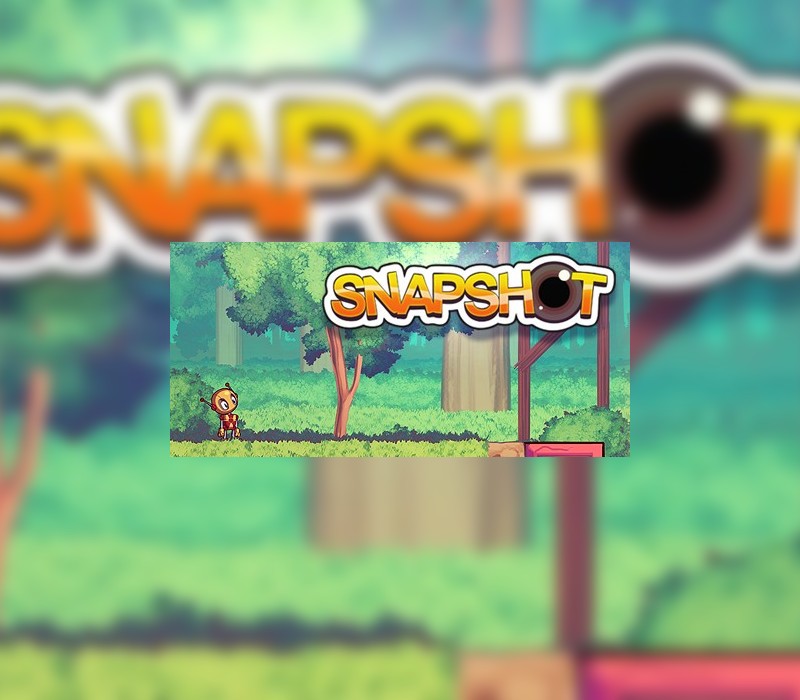
Snapshot is the tale of a lone robot lost in an abandoned world. Armed with only his trusty camera, Pic sets forth on his great adventure. A camera might not seem like enough for a puzzle platforming adventure, but this camera is different from most: It has the ability to capture and remove from the world the very objects that it photographs. Not only that, but it can also use its powers to paste the photos it took back into the environment! Everything that the camera captures is perfectly preserved, and when the photos are restored the objects are restored with it. On top of all of that, this amazing camera can also rotate the photos before they’re pasted. Take a picture of an incoming fireball, rotate it and paste it to send it flying into a wall of heavy boxes to knock it out of the way. See what kind of crazy things can happen to Pic with his awesome (and probably magical) camera during the adventure of his life! Features A unique photography mechanic Over 100 different levels of platforming and puzzling. 4 distinct environments to explore. Secrets and time trial challenges for every level. Hand crafted high resolution graphics.

Activation Details:

Go to: http://store.steampowered.com/ and download STEAM client Click “Install Steam” (from the upper right corner) Install and start application, login with your Account name and Password (create one if you don’t have). Please follow these instructions to activate a new retail purchase on Steam: Launch Steam and log into your Steam account. Click the Games Menu. Choose Activate a Product on Steam… Follow the onscreen instructions to complete the process. After successful code verification go to the “MY GAMES” tab and start downloading.

Create an account

See order history, get a game library and check out faster

Already have an account? Sign in

Welcome

Don’t have an account? Register