Graphics256 MB 100% DIRECTX 9 AND SHADERS 3.0 COMPATIBLE. ATI RADEON X1600 XT/INTEL HD/NVIDIA GEFORCE 6600 GT OR HIGHER DirectX®: 9
Memory1024 MB (XP) / 2048 MB (VISTA/7)
Disk space10 GB
SystemWindows
Description
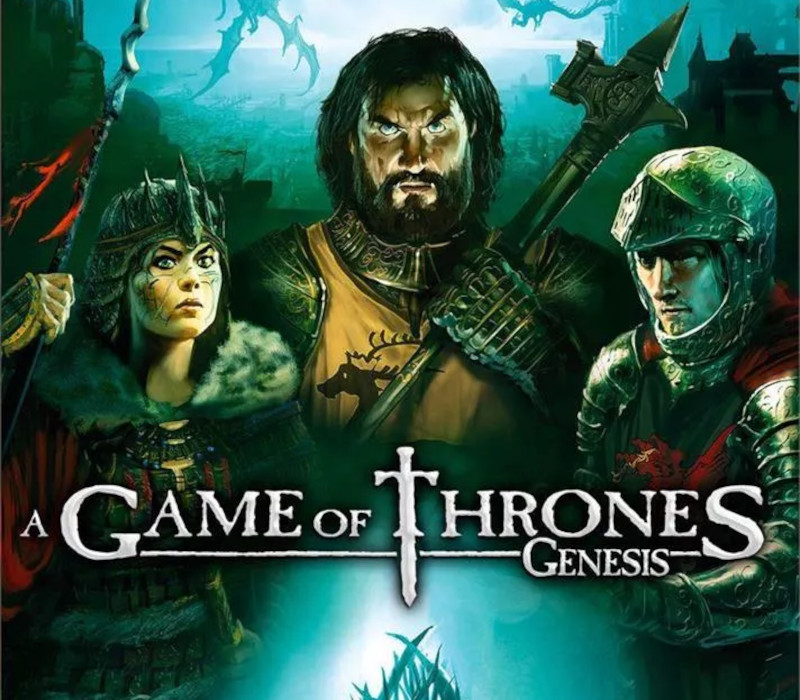
What King will you be?Conqueror, Usurper or Diplomat?”A Game of Thrones – Genesis” immerses you into the heart of the battles and intrigues between the Houses that shaped the Kingdom of Westeros. From Nymeria’s arrival in the Kingdom of Dorne to the awakening of the “Others” beyond the Wall, you’ll live the origins of A Game of Thrones saga through more than 1000 years of history, by taking part in Westeros’ founding events and largest battles.In this great strategy game, victory does not necessarily result from brute force. You can choose to use a military approach and besiege your opponents, strangle them in an economical war, or even use dirty tricks and diplomacy to politically crush them. Treachery and deception are everywhere and can be more efficient than the most powerful army. So watch your back and show no mercy if you want to keep sat on the Iron Throne. Key Features: The video game adaptation of the fantasy saga “A Song of Ice and Fire” by George RR Martin. A deep and exciting gameplay combining strategy, diplomacy and politics. Discover the origins of the universe of the Iron Throne through the Story mode, and participate in major conflicts that have shaped Westeros. Compete against up to 7 other players in multiplayer. Form alliances, break them, show subtle tactics and crush your opponents!
Activation Details:
Go to: http://store.steampowered.com/ and download STEAM client Click “Install Steam” (from the upper right corner) Install and start application, login with your Account name and Password (create one if you don’t have). Please follow these instructions to activate a new retail purchase on Steam: Launch Steam and log into your Steam account. Click the Games Menu. Choose Activate a Product on Steam… Follow the onscreen instructions to complete the process. After successful code verification go to the “MY GAMES” tab and start downloading.
Create an account
See order history, get a game library and check out faster