EUR, €
  • USD, $
FOX v.2.4.2.3

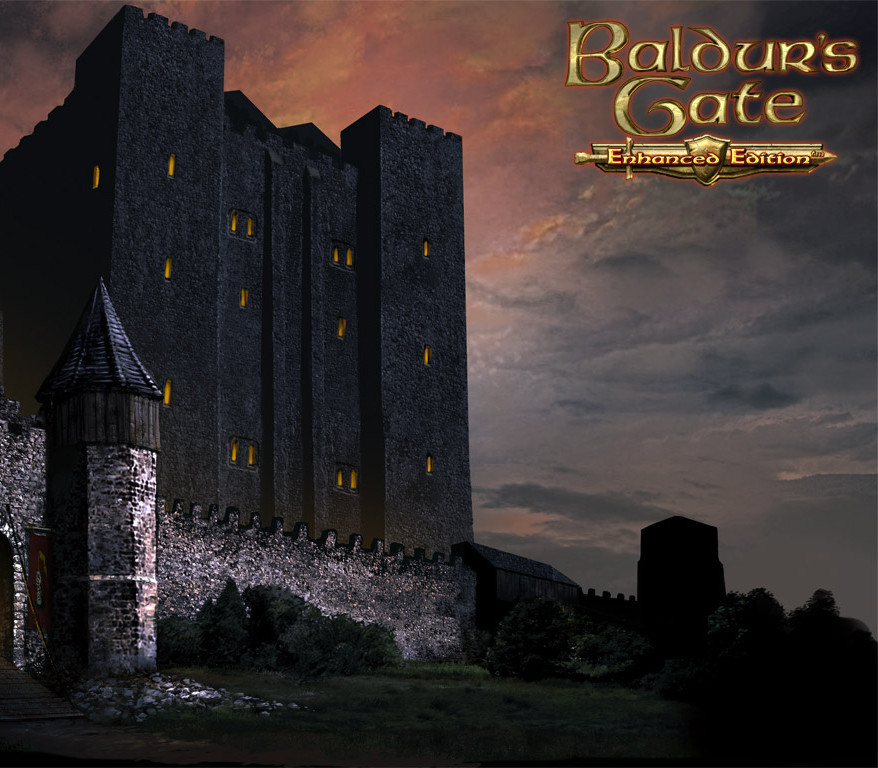
Baldur’s Gate: Enhanced Edition PC GOG CD Key

 12.45

Basic info

Developers Beamdog
Publishers Beamdog
Platform GOG.com
Languages English, French, German, Polish, Spanish
Region REGION FREE

System requirements

Processor 1 GHZ | Dual Core Processor | Intel Core 2 Duo or equivalent
Graphics OpenGL 2.0 compatible (Intel graphics chipsets are NOT supported) | OpenGL 2.0 compatible
Memory 512 MB RAM | 512 MB RAM | 1 GB RAM
System Windows | Mac | Linux

Windows: OS:Windows XP, Vista, 7, 8, 10 Processor:1 GHZ Memory:512 MB RAM Graphics:OpenGL 2.0 compatible (Intel graphics chipsets are NOT supported) Hard Drive:2 GB HD space Sound:Windows Compatible
Mac: OS X 10.7.0 or later Processor: Dual Core Processor Memory: 512 MB RAM Graphics: OpenGL 2.0 compatible Hard Drive: 2.17 GB HD space
Linux: Ubuntu 14.04 / Mint 17 Processor: Intel Core 2 Duo or equivalent Memory: 1 GB RAM Hard Drive: 2 GB available space. Requires the following packages to be installed: libc6:i386, libasound2:i386, libasound2-data:i386, libasound2-plugins:i386 and dependencies

Description

Since its initial release in 1998, Baldur’s Gate has entertained millions of fans around the globe and has received countless awards. This classic saga of mystery, intrigue, and adventure has set the standard for Dungeons & Dragons™ computer roleplaying games ever since. Running on an upgraded and improved version of the Infinity Engine, Baldur’s Gate: Enhanced Edition™ includes the entire Baldur’s Gate adventure, the Tales of the Sword Coast expansion pack, and never-before-seen content including a new adventure and three new party members: the Calishite monk Rasaad yn Bashir, Neera the wild mage, and Dorn Il-Khan, the evil blackguard. Features New Adventure: The Black Pits New Character: Dorn Il-Khan New Character: Neera the Wild Mage New Character: Rasaad yn Bashir A new collection of player character voice sets Native support for high-resolution widescreen displays Over 400 improvements to the original game Improved multiplayer support with connectivity between all platforms

Activation Details:

Please create an account or login on https://www.gog.com Go to https://www.gog.com/redeem Enter the code and then press “CONTINUE” After a short amount of time you will see the details about the product, please press “CONTINUE” again. Download and install the GOG.com downloader Login to the software and get back to the product page Go to https://www.gog.com/account and look for the “Games” tab. Press the box of the product you want to download. Activate the GOG.com Download Mode on the right side of product menu. Choose the installation package from the list and save it with the GOG Downloader.

Create an account

See order history, get a game library and check out faster

Already have an account? Sign in

Welcome

Don’t have an account? Register