ProcessorModern quad-core (AMD FX-Series or newer, Intel Core i5 or faster) | 3rd gen core i5 or newer
Memory2 GB RAM | 2 GB RAM
Disk space1 GB available space | 1 GB available space
SystemWindows | Mac
Windows: OS: Windows 7 or newer Processor: Modern quad-core (AMD FX-Series or newer, Intel Core i5 or faster) Memory: 2 GB RAM Graphics: AMD Radeon HD 5770 or faster, nVidia GeForce GT 640 or faster Storage: 1 GB available space
Mac: OS: OS X / macOS 10.8+ (Mountain Lion, Mavericks, Yosemite, El Capitan, Sierra) Processor: 3rd gen core i5 or newer Memory: 2 GB RAM Graphics: Dedicated Radeon or GeForce graphics Storage: 1 GB available space
Description
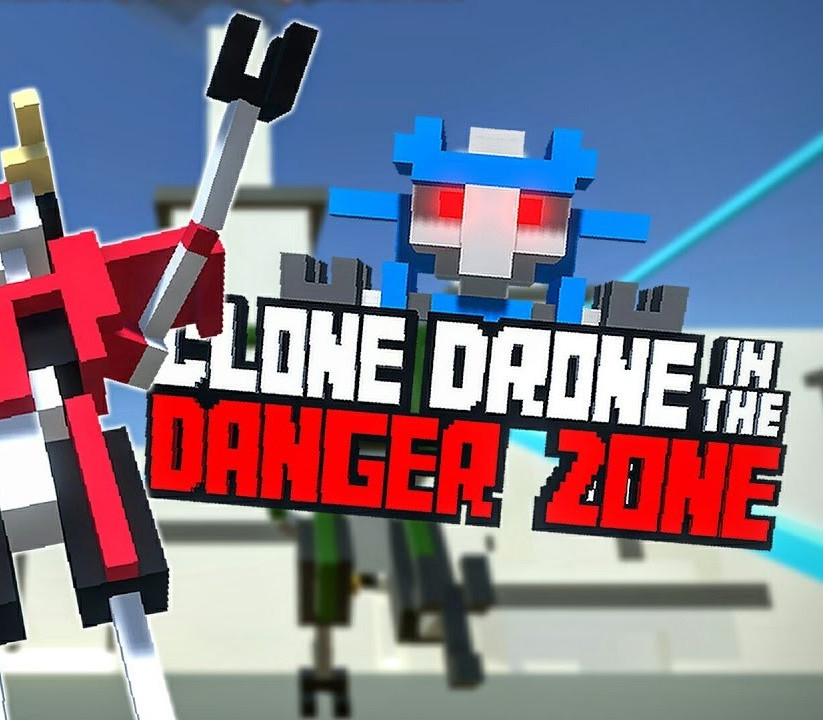
Apologies for the brief agony while we harvested your mind. But now your thought patterns are safely encased in this sleek, shiny robot!With a laser sword. GOOD LUCK IN THE ARENA.We hope you survive longer than the last contestant… Features Epic Voxel Dismemberment: In addition to looking cool, the ability to cut off body parts is central to the gameplay. Jumping on one leg is a common occurrence. Large enemies need to be cut down to size before a fatal blow can be delivered. Sharp Sword Combat: Combat is fast and intense, putting great emphasis on movement, timing and positioning. You are never safe, as any blow can instantly kill or dismember. Entertaining Commentary: With 7, 421 spoken words, Commentatron and Analysis-Bot provide a running commentary of your performance and react to your activities. Upgrade your robot: jetpack, bow, kicking, deflection, clones, giant hammers, FIRE. Terrifying robotic enemies that actually get pretty hard! Sword robots, bow robots, Spidertron 5000, Spidertron 6000, gigantic hammer bots. So many things to dismember.
Activation Details:
Go to: http://store.steampowered.com/ and download STEAM client Click “Install Steam” (from the upper right corner) Install and start application, login with your Account name and Password (create one if you don’t have). Please follow these instructions to activate a new retail purchase on Steam: Launch Steam and log into your Steam account. Click the Games Menu. Choose Activate a Product on Steam… Follow the onscreen instructions to complete the process. After successful code verification go to the “MY GAMES” tab and start downloading.
Create an account
See order history, get a game library and check out faster