Memory128 MB Ram Hard Disk Space: 2 GB hard disk space Video Card: 4 MB DirectX-compatible
Disk space2 GB hard disk space Video Card: 4 MB DirectX-compatible
SystemWindows
Description
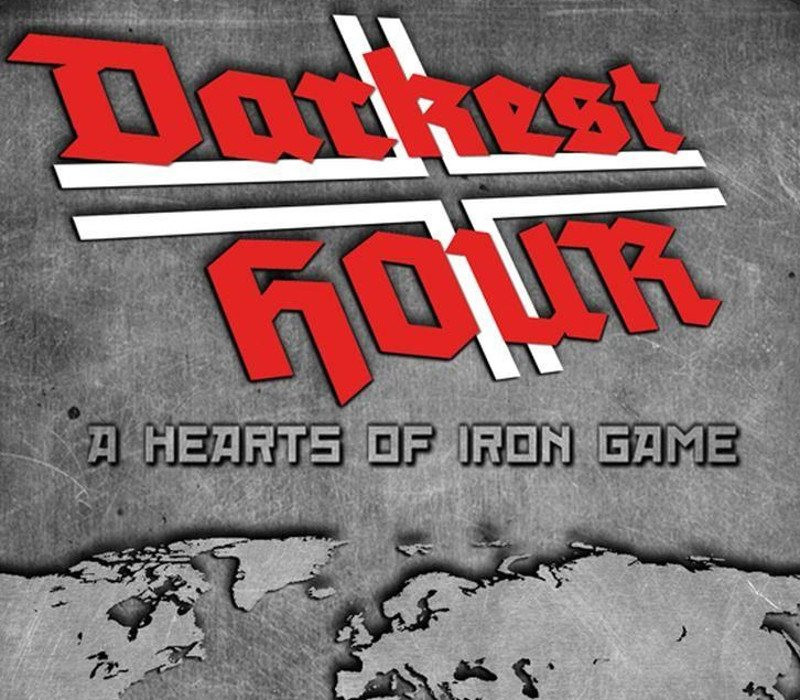
Developed by a team of experienced modders from the Paradox forum, Darkest Hour is a stand-alone Hearts of Iron game. The game features a mixture of short and in-depth campaigns set across the darkest chapters of the 20th century. Play from the outbreak of the Great War up until the onset of the Cold War. Darkest Hour will introduce a new artificial intelligence that is now able to react to hundreds of different situations simultaneously. It implements a dynamic diplomatic system that will allow the player to have a real impact on the course of history. Features Short and grand campaigns allow players to experience the darkest hours of the 20th century, from the Great War to the onset of the Cold War New map, redesigned to offer greater detail as well as strategic and tactical opportunities Dynamic diplomatic system giving the player greater influence on the course of events New artificial intelligence capable of reacting to hundreds of different situations
Activation Details:
“Please remember that we are NOT responsible for any problems that may arise from purchasing and using Steam Gifts. You are doing it at your own risk. “Please note, that due to recent Valve Steam Gift policy update Steam Gifts for games that are covered by VAC ban program can no longer be added to Inventory. Make sure that you are logged in to the proper account before entering the link as Steam Gifts can be only added to your library or rejected. How do I use a Steam gift given to me? If you do not already have Steam, download and install Steam here. Once you have Steam installed, you will be prompted to create an account or login to an existing Steam account. If you do not have an account, please create one. You will receive an e-mail containing a link that will open Steam allowing you to redeem your gift. After clicking the link, you will receive a notification at the top right corner in the Steam client informing that you have a new gift.
Create an account
See order history, get a game library and check out faster