Memory1 GB RAM or more for Windows XP (2 GB for Vista)
Disk space7.5 GB free space
SystemWindows
Windows: Supported OS: Microsoft Windows® XP SP2 or Vista Processor: 2.8 GHz or faster Memory: 1 GB RAM or more for Windows XP (2 GB for Vista) Graphics: DirectX® 9.0c compatible video card, Shader Model 3.0 required, 256 MB or better, NVIDIA GeForce 6800 or better (7300, 7600 GS, and 8500 are below minimum system requirements), ATI X1600 Pro or better (X1300, X1300 Pro and HD2400 are below minimum system requirements) Hard Drive: 7.5 GB free space Sound: DirectX® 9.0c compatible sound card INTERNET CONNECTION, ONLINE AUTHENTICATION AND ACCEPTANCE OF END USER LICENSE AGREEMENT REQUIRED TO PLAY. EA MAY RETIRE ONLINE FEATURES AFTER 30 DAYS NOTICE POSTED ON WWW.EA.COM.
Description
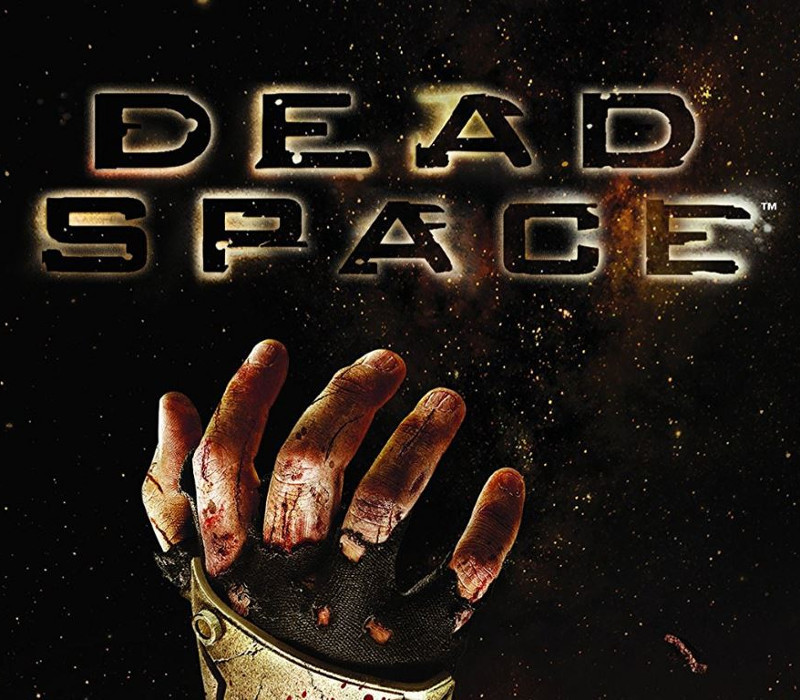
Only the Dead Survive. A massive deep-space mining ship goes dark after unearthing a strange artifact on a distant planet. Engineer Isaac Clarke embarks on the repair mission, only to uncover a nightmarish blood bath the ship’s crew horribly slaughtered and infected by alien scourge. Now Isaac is cut off, trapped, and engaged in a desperate fight for survival. Features Strategically dismember the Necromorph enemies limb by bloody limb. Zero gravity combat means terror can strike from anywhere. Uncover the horrific truth of this shocking thriller.
Activation Details:
Go to: http://store.steampowered.com/ and download STEAM client Click “Install Steam” (from the upper right corner) Install and start application, login with your Account name and Password (create one if you don’t have). Please follow these instructions to activate a new retail purchase on Steam: Launch Steam and log into your Steam account. Click the Games Menu. Choose Activate a Product on Steam… Follow the onscreen instructions to complete the process. After successful code verification go to the “MY GAMES” tab and start downloading.
Create an account
See order history, get a game library and check out faster