Processor1.5 Ghz, single core | Intel 1.5 Ghz, single core | Intel 1.5 Ghz, single core
GraphicsN/A | N/A
Memory1 GB RAM | 1 GB RAM | 1 GB RAM
Disk space100 MB HD space | 100 MB HD space | 100 MB HD space
SystemWindows | Mac | Linux
Description
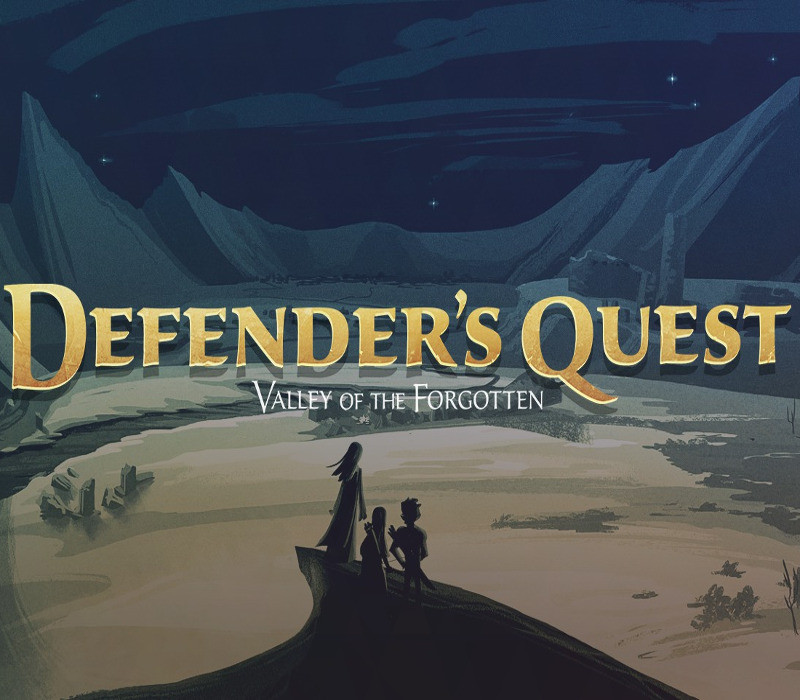
Defender’s Quest Deluxe (DX) Edition is here! Improved graphics, more story, better performance, more of everything you love! Defender’s Quest is a Tower-Defense/RPG Hybrid (Think Final Fantasy Tactics meets Tower Defense). It focuses on three things: tactical depth, customization, and story. That means no random encounters, no spikey-haired emo kids, no forced time sinks, and no tedious, repetitive battles. The battle system builds off of tower defense, with individual characters taking the place of towers. Each character levels-up, learns skills, and equips gear individually, allowing the player to customize their battle experience and strategy. The overall game structure is similar to “tactical” RPG’s, but with a real-time battle system. Game speed is adjustable, and commands can even be issued while the game is paused. It also features an engaging, character-driven story written by an actual English major! The story strives to be fast-paced, snappy, and always relevant to gameplay with minimal exposition. Finally, it’s got options and accessibility settings out the wazoo, so that you can have the best possible experience! NOTE: this game is currently locked at 30 FPS. This is mitigated by three factors: You have full control of time, so it doesn’t affect reactions. The sprite sheets wouldn’t animate any faster at 60 FPS anyway A full HD/60 FPS upgrade is coming soon as a free upgrade.
Activation Details:
“Please remember that we are NOT responsible for any problems that may arise from purchasing and using Steam Gifts. You are doing it at your own risk. “Please note, that due to recent Valve Steam Gift policy update Steam Gifts for games that are covered by VAC ban program can no longer be added to Inventory. Make sure that you are logged in to the proper account before entering the link as Steam Gifts can be only added to your library or rejected. How do I use a Steam gift given to me? If you do not already have Steam, download and install Steam here. Once you have Steam installed, you will be prompted to create an account or login to an existing Steam account. If you do not have an account, please create one. You will receive an e-mail containing a link that will open Steam allowing you to redeem your gift. After clicking the link, you will receive a notification at the top right corner in the Steam client informing that you have a new gift.
Create an account
See order history, get a game library and check out faster