Memory256 MB RAM Hard Disk Space: 3.6 GB Available HDD Space Video Card: ATI® Radeon 8500 or NVIDIA® GeForce 3 or 4 MX Series Video Card with 32MB of VRAM
Disk space3.6 GB Available HDD Space Video Card: ATI® Radeon 8500 or NVIDIA® GeForce 3 or 4 MX Series Video Card with 32MB of VRAM
SystemWindows
Description
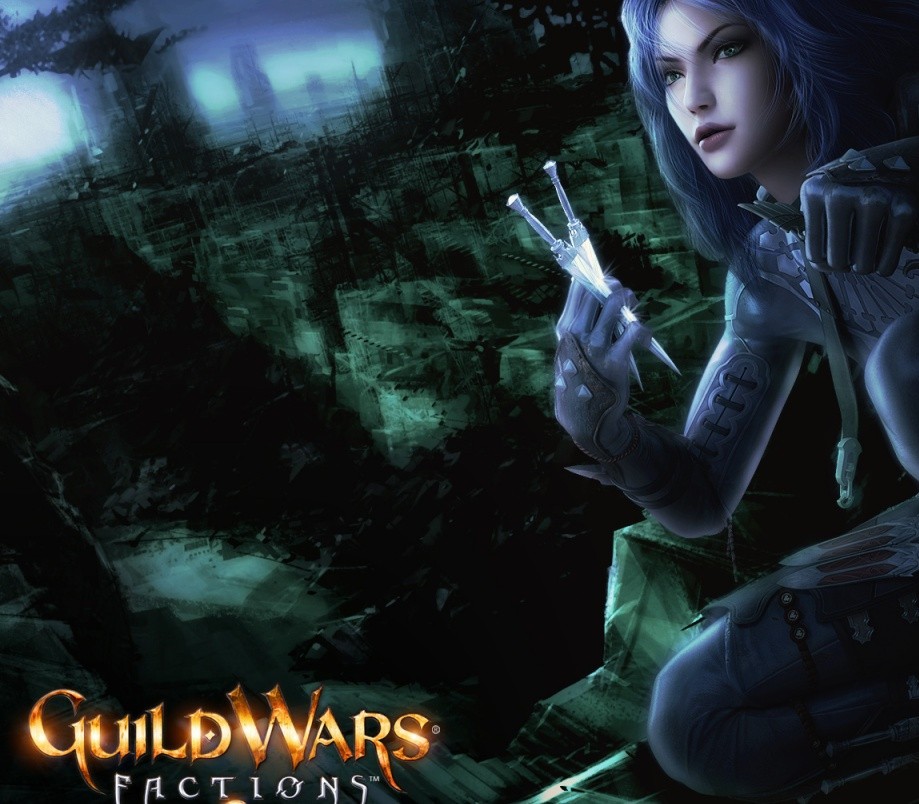
Two hundred years ago, the Betrayer called Shiro Tagachi transformed the lush continent of Cantha into a devastated landscape of stone forests and crystalline seas. Now, in an empire torn asunder by war, who you fight is as important as who you serve. While the Kurzicks and Luxons battle for ever-decreasing resources, an ancient and treacherous force returns to a world he nearly destroyed. The heroes of Cantha may have finally met their match. Which side will you choose? Guild Wars Factions™, the second stand-alone release from developer ArenaNet®, features a new world, new mechanics, and new professions. Join the battle for the future of Cantha — an all-new Asian-inspired continent — with players from all over the world. Experience two new professions unique to Cantha: the deadly Assassin and the powerful Ritualist. Fight for your faction in all-new competitive missions, challenge missions, and elite missions. Join in furious alliance battles that will redraw the borders of the Canthan continent. Link your account to Guild Wars® (the original Prophecies™ campaign) for additional character slots and travels between the original continent of Tyria and the new realm of Cantha. No subscription fees — Buy the game and play online with no monthly fees.* * Requires product purchase and access to Internet. Player is responsible for all applicable Internet fees.
Activation Details:
In order to activate your key please follow instruction below: Download the Guild Wars client. Run GwSetup.exe to install the Guild Wars client on your PC. At the log-in screen, click the “Create Account or Add Access Key” link. Enter your Access Key and follow the registration directions.
Create an account
See order history, get a game library and check out faster