Disk space10 GB available space Additional Notes: Low 720p @ 60 FPS
SystemWindows
Description
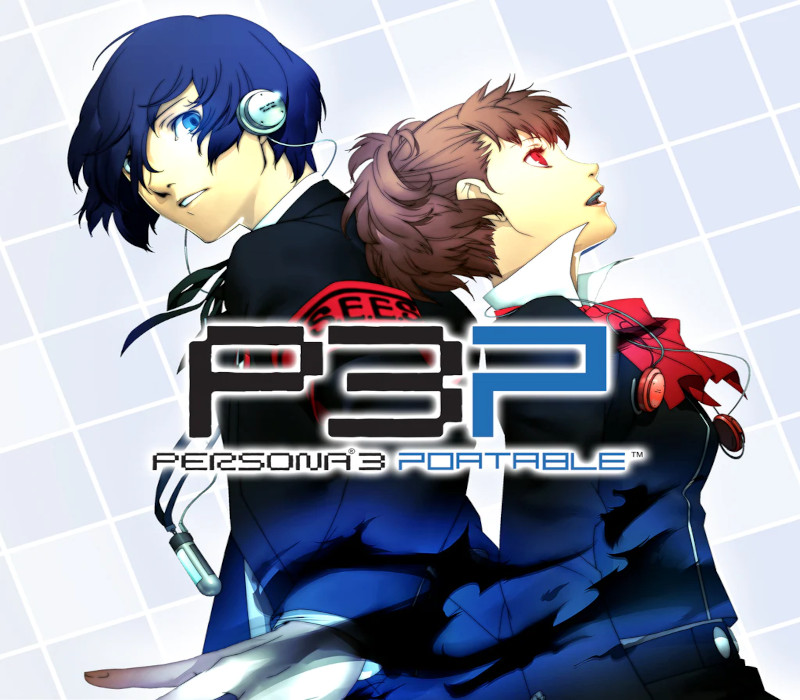
Experience the iconic, critically acclaimed RPG that reinvented the Persona series, Persona 3 Portable, now newly remastered for modern platforms.Shortly after transferring to Gekkoukan High School, the protagonist encounters the “Dark Hour.” Unfamiliar stillness swallows the city, people turn into eerie coffins, and otherworldly monsters called Shadows swarm. When they are attacked by one of these Shadows, and all hope seems lost, the power of the heart, their Persona is awakened.With this newfound power, they pursue the truth of the Dark Hour and face the destiny that awaits them. Features Enjoy Persona 3 Portable now with newly remastered graphics, improved smoothness in gameplay, and quality of life features, including difficulty selection and quick save functionality Climb the looming tower of Tartarus, take down powerful Shadows, and investigate the mysteries of the Dark Hour Live through a full school year packed with daily events as you forge precious bonds with unforgettable characters Experience this dark, emotional journey through two distinct protagonists’ perspectives for twice the social possibilities Choose between Japanese and English VO
Activation Details
Go to: http://store.steampowered.com/ and download STEAM client Click “Install Steam” (from the upper right corner) Install and start application, login with your Account name and Password (create one if you don’t have). Please follow these instructions to activate a new retail purchase on Steam: Launch Steam and log into your Steam account. Click the Games Menu. Choose Activate a Product on Steam… Follow the onscreen instructions to complete the process. After successful code verification go to the “LIBRARY” tab and start downloading.
Create an account
See order history, get a game library and check out faster