Disk space1.5GB Video Card: DirectX compatible graphics card with 128 MB memory DirectX®: 9.0c
SystemWindows | Mac
Windows: OS: Windows XP/Vista/7/10 Processor: 1.5GHz CPU Memory: 512MB Hard Disk Space: 1.5GB Video Card: DirectX compatible graphics card with 128 MB memory DirectX®: 9.0c Sound: Sound card with DirectX 9.0c support
Mac: Mac OS X 10.8 * CPU Type: Intel Mac Only CPU Speed: 1.5 GHz System RAM: 512 MB Drive Space: 2.5 GB Video RAM: 128 MB Video (ati): ATI Radeon HD 2400 XT * Video (nvidia): NVIDIA GeForce 8600M GT * Video (intel): Intel HD Graphics * *Not compatible with MacOS Big Sur
Description
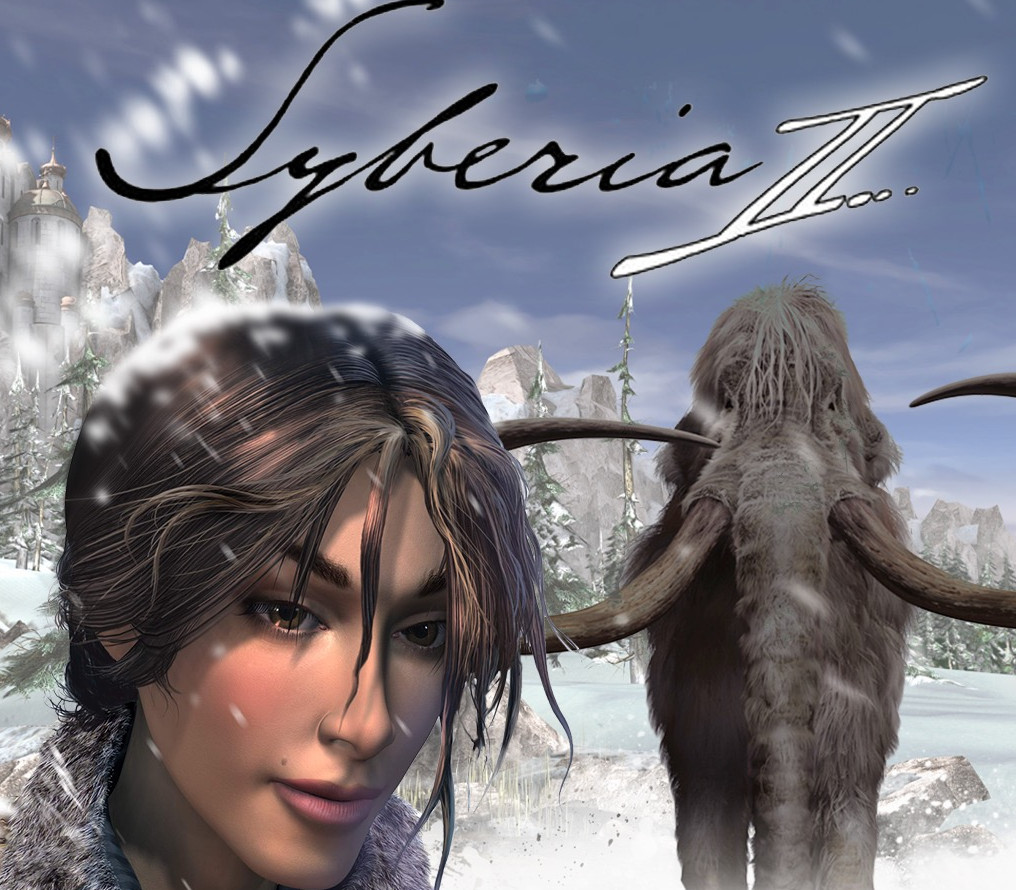
Having searched Eastern and Western Europe for a missing heir, Kate Walker finally completed her long and arduous journey, obtaining the signature of Hans Voralberg and closing the automaton factory buyout. Mission accomplished? Not for this sophisticated New York lawyer… An unlikely pair, young Kate Walker and old, eccentric Hans Voralberg now set off on a journey together: in search of the last of the fabled Syberian mammoths at the heart of a long and forgotten universe. The surreal quest Hans began alone several years ago will come to a final close as he and Kate face obstacles far more dangerous than ever before, testing their courage and determination. Far and beyond, a mystical Syberia awaits their arrival… Features Original and captivating storyline Rich and intriguing new characters with new, realistically detailed 3D environments Completely integrated, original puzzles that test the players skill throughout the game
Activation Details:
Go to: http://store.steampowered.com/ and download STEAM client Click “Install Steam” (from the upper right corner) Install and start application, login with your Account name and Password (create one if you don’t have). Please follow these instructions to activate a new retail purchase on Steam: Launch Steam and log into your Steam account. Click the Games Menu. Choose Activate a Product on Steam… Follow the onscreen instructions to complete the process. After successful code verification go to the “MY GAMES” tab and start downloading.
Create an account
See order history, get a game library and check out faster