Windows: OS: Windows Xp, Vista, 7, 8/8.1, 10 Processor: 2.0 Ghz Memory: 2.5GB Hard Disk Space: 200MB Video Card: 128mb Video Memory, capable of Shader Model 2.0+ DirectX®: 9.0c or Greater
Mac: OS: OSX 10.9.5 – 10.11.6 Processor: 2.0 Ghz Memory: 2.5GB Hard Disk Space: 200MB Video Card: 128mb Video Memory, capable of OpenGL 3.0+ support (2.1 with ARB extensions acceptable
Linux: OS: Ubuntu 14.04 LTS Processor: 2.0 Ghz Memory: 2.5GB Hard Disk Space: 200MB Video Card: 128mb Video Memory, capable of OpenGL 3.0+ support (2.1 with ARB extensions acceptable
Description
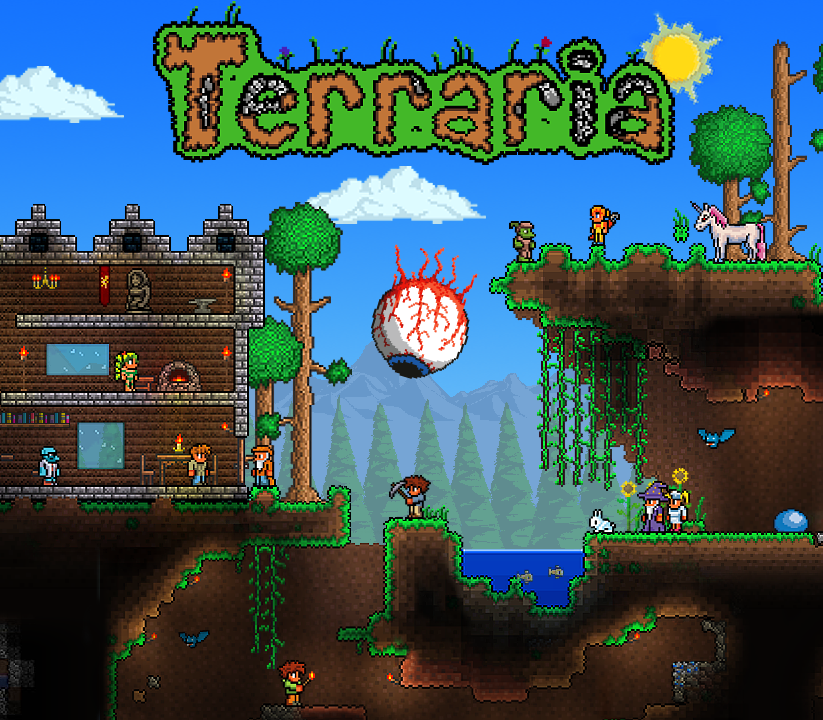
Includes: two separate keys for the game. Dig, Fight, Explore, Build: The very world is at your fingertips as you fight for survival, fortune, and glory. Will you delve deep into cavernous expanses in search of treasure and raw materials with which to craft ever-evolving gear, machinery, and aesthetics? Perhaps you will choose instead to seek out ever-greater foes to test your mettle in combat? Maybe you will decide to construct your own city to house the host of mysterious allies you may encounter along your travels? In the World of Terraria, the choice is yours! Blending elements of classic action games with the freedom of sandbox-style creativity, Terraria is a unique gaming experience where both the journey and the destination are completely in the player’s control. The Terraria adventure is truly as unique as the players themselves! Are you up for the monumental task of exploring, creating, and defending a world of your own? Features Sandbox Play Randomly generated worlds Free Content Updates
Activation Details
Go to: http://store.steampowered.com/ and download STEAM client Click “Install Steam” (from the upper right corner) Install and start application, login with your Account name and Password (create one if you don’t have). Please follow these instructions to activate a new retail purchase on Steam: Launch Steam and log into your Steam account. Click the Games Menu. Choose Activate a Product on Steam… Follow the onscreen instructions to complete the process. After successful code verification go to the “MY GAMES” tab and start downloading.
Create an account
See order history, get a game library and check out faster