ProcessorDual Core CPU - 2.6ghz | Dual Core CPU - 2.6ghz | Dual Core CPU - 2.6ghz
Memory4 GB RAM | 4 GB RAM | 4 GB RAM
Disk space3 GB available space | 3 GB available space | 3 GB available space
SystemWindows | Linux | Mac
Windows: Minimum: OS *: Windows 7 32-bit Processor: Dual Core CPU – 2.6ghz Memory: 4 GB RAM Graphics: 1GB of VRAM: Intel HD 3000 GPU / AMD HD 5450 / Nvidia 9400 GT Storage: 3 GB available space
Linux: Minimum: OS: glibc 2.15+, 32/64-bit Processor: Dual Core CPU – 2.6ghz Memory: 4 GB RAM Graphics: OpenGL 3.0+ (2.1 with ARB extensions acceptable) Storage: 3 GB available space
Mac: Minimum: OS: 10.7.5 Processor: Dual Core CPU – 2.6ghz Memory: 4 GB RAM Graphics: OpenGL 3.0+ (2.1 with ARB extensions acceptable) Storage: 3 GB available space
Description
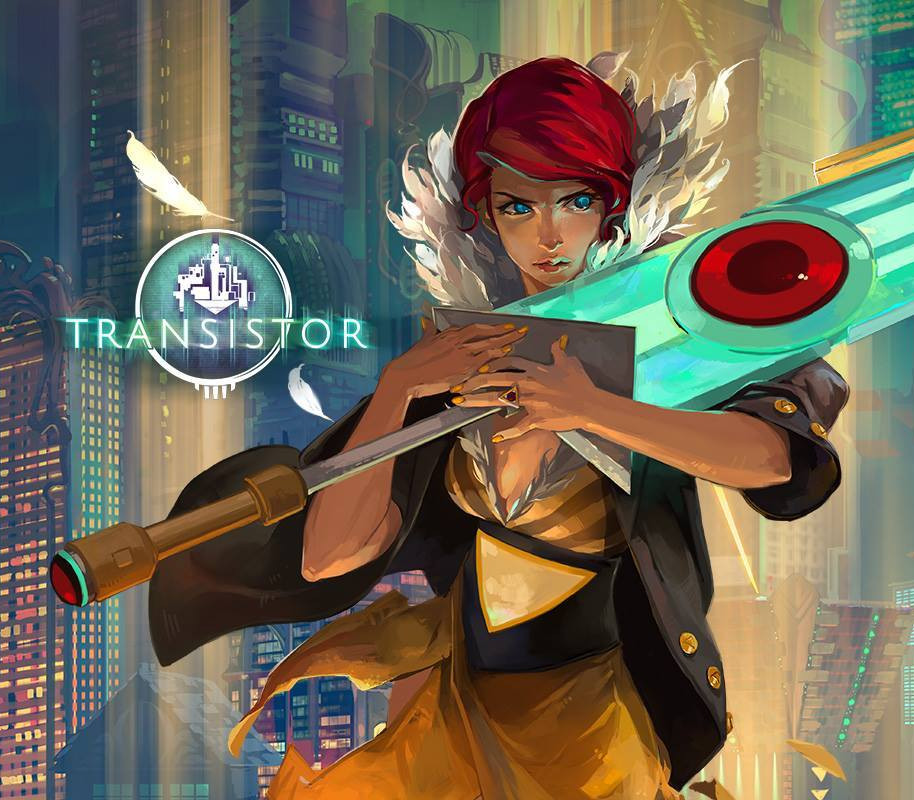
From the creators of Bastion, Transistor is a sci-fi themed action RPG that invites you to wield an extraordinary weapon of unknown origin as you fight through a stunning futuristic city. Transistor seamlessly integrates thoughtful strategic planning into a fast-paced action experience, melding responsive gameplay and rich atmospheric storytelling. During the course of the adventure, you will piece together the Transistor’s mysteries as you pursue its former owners. Features An all-new world from the team that created Bastion Configure the powerful Transistor with thousands of possible Function combinations Action-packed real-time combat fused with a robust strategic planning mode Vibrant hand-painted artwork in full 1080p resolution Original soundtrack changes dynamically as the action unfolds Hours of reactive voiceover create a deep and atmospheric story ‘Recursion’ option introduces procedural battles after finishing the story Fully customizable controls custom-tailored for PC
Activation Details
In order to redeem the GOG code please follow the instructions below: 1. Please create an account or login on https://www.gog.com 2. Go to http://www.gog.com/redeem 3. Enter the code and then press “CONTINUE” 4. After a short amount of time you will see the details about the product, please press “CONTINUE” again. 5. Download and install the GOG.com downloader 6. Login to the software and get back to the product page 7. Go to https://www.gog.com/account and look for the “Games” tab. 8. Press the box of the product you want to download. 9. Activate the GOG.com Download Mode on the right side of product menu. 10.Choose the installation package from the list and save it with the GOG Downloader.
Create an account
See order history, get a game library and check out faster