Processor2.0 Ghz Intel Pentium 4, AMD Athlon XP or equivalent
Graphics64 MB DirectX 9.0b compatible AGP video card with Hardware Transformation and lighting
Memory512 MB RAM HDD Space: 3.5 GB free hard drive space
SystemWindows
Description
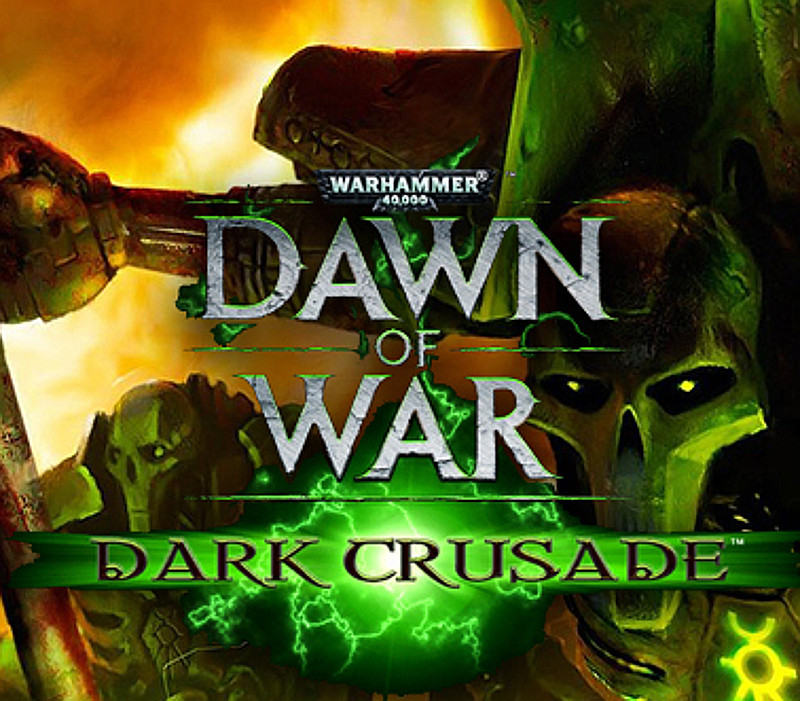
Deep under the central desert of Kronus, a vast honeycomb of skull-lined tunnels and funeral chambers house the awakening Necron menace. Eons ago, these were the boulevards and squares of a great necropolis built to house the bones of the races who had fallen to the Necrons, and ultimately were where the Necrons themselves retire to spend eternity. Over millions of years, sand and rock had covered it all until ill-fated excavations awoke the deathless. Play any of seven races, striving for control over Kronus. Take other races’ strongholds by winning challenging battles on various maps individually associated with the respective strongholds. Features New RacesTake command of two new playable races: Tau and Necron to unleash massive carnage across the frontlines of battle. Expanded multiplayerDominate opponents online across 12 new multiplayer maps – with up to 8 players battling it out for supremacy. Deep single player campaignConquer the planet of Kronus any way you choose – leading any one of seven races on an epic crusade through an all-new, non-linear single player campaign where you can experience unique storylines from each race’s perspective. CustomizationCustomize your hero’s weapons, items and abilities as he grows in power and influence. Personalize your army with a variety of insignias, squad colors, banners and names.
Activation Details:
Go to: http://store.steampowered.com/ and download STEAM client Click “Install Steam” (from the upper right corner) Install and start application, login with your Account name and Password (create one if you don’t have). Please follow these instructions to activate a new retail purchase on Steam: Launch Steam and log into your Steam account. Click the Games Menu. Choose Activate a Product on Steam… Follow the onscreen instructions to complete the process. After successful code verification go to the “MY GAMES” tab and start downloading.
Create an account
See order history, get a game library and check out faster